
Free POS System for Small Businesses
Accept payments, manage orders, and sell online — with no monthly software fees and no contracts.
Upload your menu, our AI reads it, you're done. No typing required.
POSUSA is free POS software designed for small businesses to accept payments, manage orders, and sell online. Processing required for card payments. Standard fees apply.
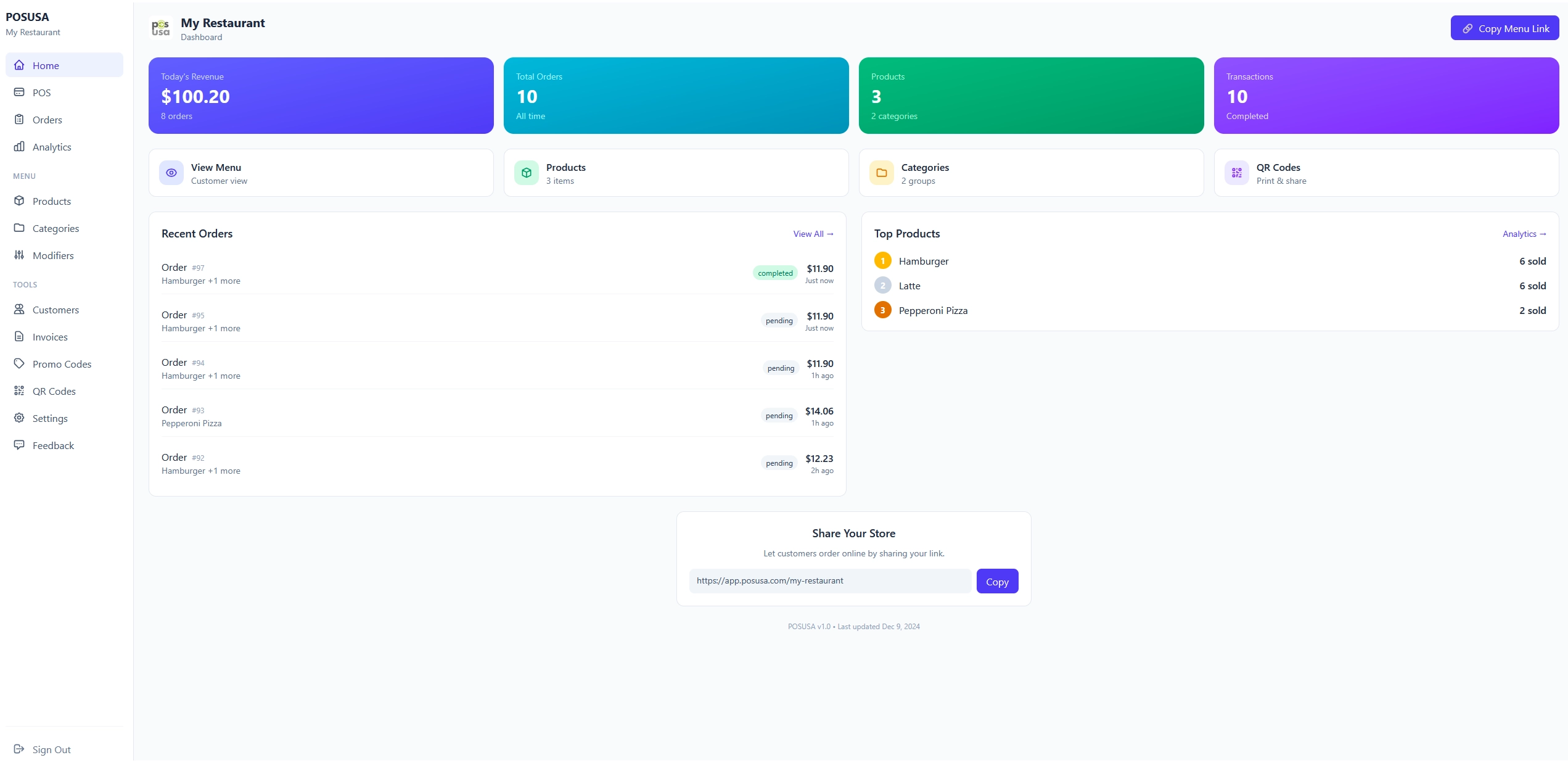
What Does a Free POS System Include?
Core features included at no cost — here's exactly what you get.
Core POS Software
Process sales and transactions from any device
Online Ordering
Customers can browse and order from your online menu
QR Code Payments
Contactless ordering and payment via QR codes
Order Management
Track and manage all incoming orders in real-time
Product Management
Add, edit, and organize your products or menu items
AI Menu Creation
Upload your menu — AI extracts items, prices, and descriptions automatically
Who Is This Free POS Best For?
Designed for small businesses that want to start selling without monthly software fees.
Restaurants & Cafés
Food Trucks
Bars & Pop-Ups
Small Retail Shops
Service Businesses
Key Features Included
Essential tools to accept payments and manage orders.
Payment Acceptance
Accept card payments online and in person with compatible hardware
Online Ordering
Let customers browse and order from anywhere
Cash Discounting
Pass processing fees to card users — keep more of your revenue
Real-time Order Sync
New orders appear instantly across all devices with audio alerts
Promo Codes & Discounts
Create promotions and discount codes to drive sales
Customer Database
Track customers and order history to build relationships
Free POS vs Traditional POS Systems
How free POS software compares to traditional paid systems.
| Feature | POSUSA Free POS | Traditional POS |
|---|---|---|
| Monthly software fees | $0 | $60–$300+ |
| Contracts | None | Often required |
| Hardware required | Optional | Usually required |
| Setup time | Minutes | Days/weeks |
How to Get Started
Get started in minutes with no technical setup required.
Create a Free Account
Sign up with your email. No credit card required.
Set Up Products or Menu
Add your items, set prices, and organize categories.
Start Accepting Payments
Begin processing orders and payments.
Free POS System FAQs
Yes — there are no monthly software fees or contracts. With our cash discount program, card customers see a small service fee (4%) at checkout — you pay $0 in processing. This is completely legal in all 50 states. Prefer to pay processing yourself? That option is available too (about 3.9% per transaction).
Cash discount (also called "non-cash adjustment") means you display cash prices on your menu, and card customers see a small service fee (4%) added at checkout. This is how gas stations have operated for decades. It's legal in all 50 states, clearly disclosed to customers, and lets you keep 100% of your listed prices. You can also choose to absorb the processing fee yourself if you prefer — it's your choice.
No. There are no long-term contracts, cancellation fees, or minimum commitments. You can start using the free POS, pause, or stop at any time.
No special hardware is required. The POS runs in any modern web browser on devices you already own — phone, tablet, or computer. Optional card readers and receipt printers can be added if needed.
Yes. There is no lock-in. Basic reporting is available today, and exportable reporting is a planned feature. You can move to a more robust POS system at any time as your needs grow.
Yes — the free POS works well for small restaurants, cafés, and food trucks that need simple ordering, payments, and day-to-day operations. If you have very specific workflows, high volume, or advanced reporting needs, we may recommend a more robust POS system instead.

POSUSA is a point of sale company serving restaurants, retailers, and small businesses. Since 2011, we've sold, installed, and reviewed thousands of POS systems — and now we build our own. Whether you need our free POS or help finding the right fit, we're here to help.

