

Odoo POS
$38.90
 Jason Feemster
Odoo POS Review: Pricing, Features & Pros vs Cons
Updated October 2026
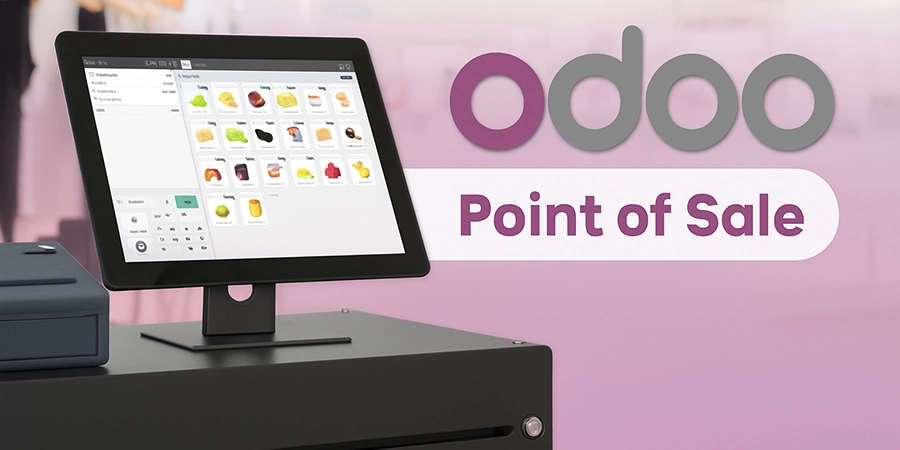
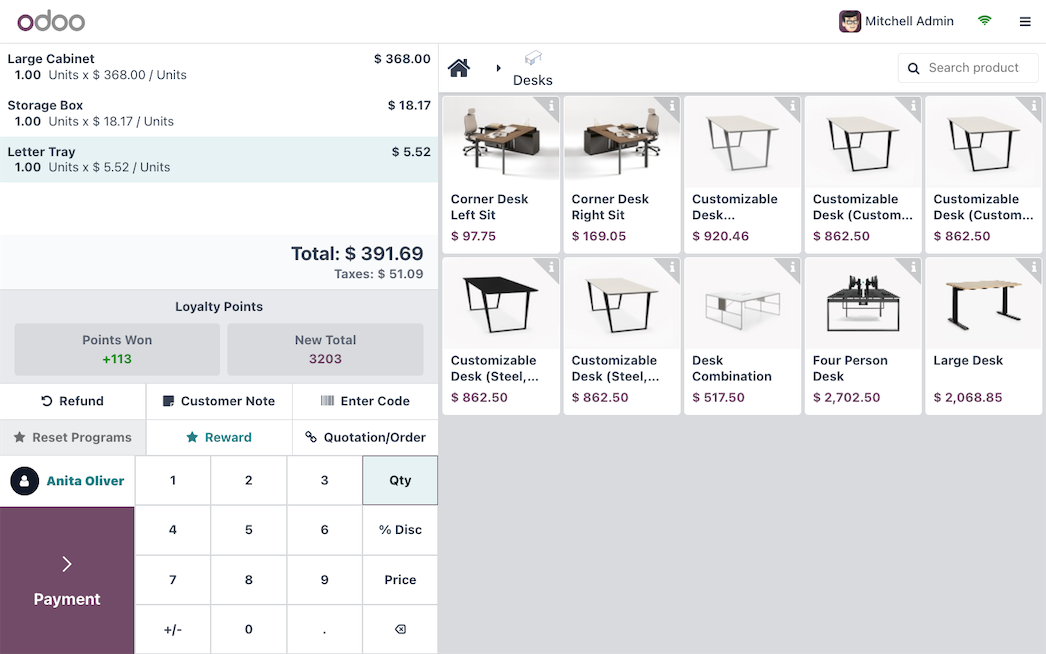
Odoo POS is a modern, open-source point of sale system that’s part of the larger Odoo ERP suite — meaning it connects seamlessly with inventory, accounting, CRM, and eCommerce. The POS module is free when you host it yourself, but businesses often pay for Odoo’s cloud hosting, apps, or implementation services. For small retailers and restaurants that want everything in one system, Odoo offers serious power — but setup can get technical.
👉 Looking for alternatives? See our POS System Comparison Guide.
If you’ve heard about Odoo’s free, open-source business software, you might be wondering — can it really handle POS for retail or restaurants? In this Odoo POS review, we’ll break down how it works, what’s free, where costs come in, and who it’s best for. By the end, you’ll know if Odoo POS is worth the effort or if a simpler option fits better.
Quick Specs
| Feature | Odoo POS |
|---|---|
| Best For | Retailers, restaurants, and small businesses using Odoo ERP |
| Starting Price | Free (self-hosted, or one app on Odoo Online) or $38.90/mo per user for all apps (Odoo Online) |
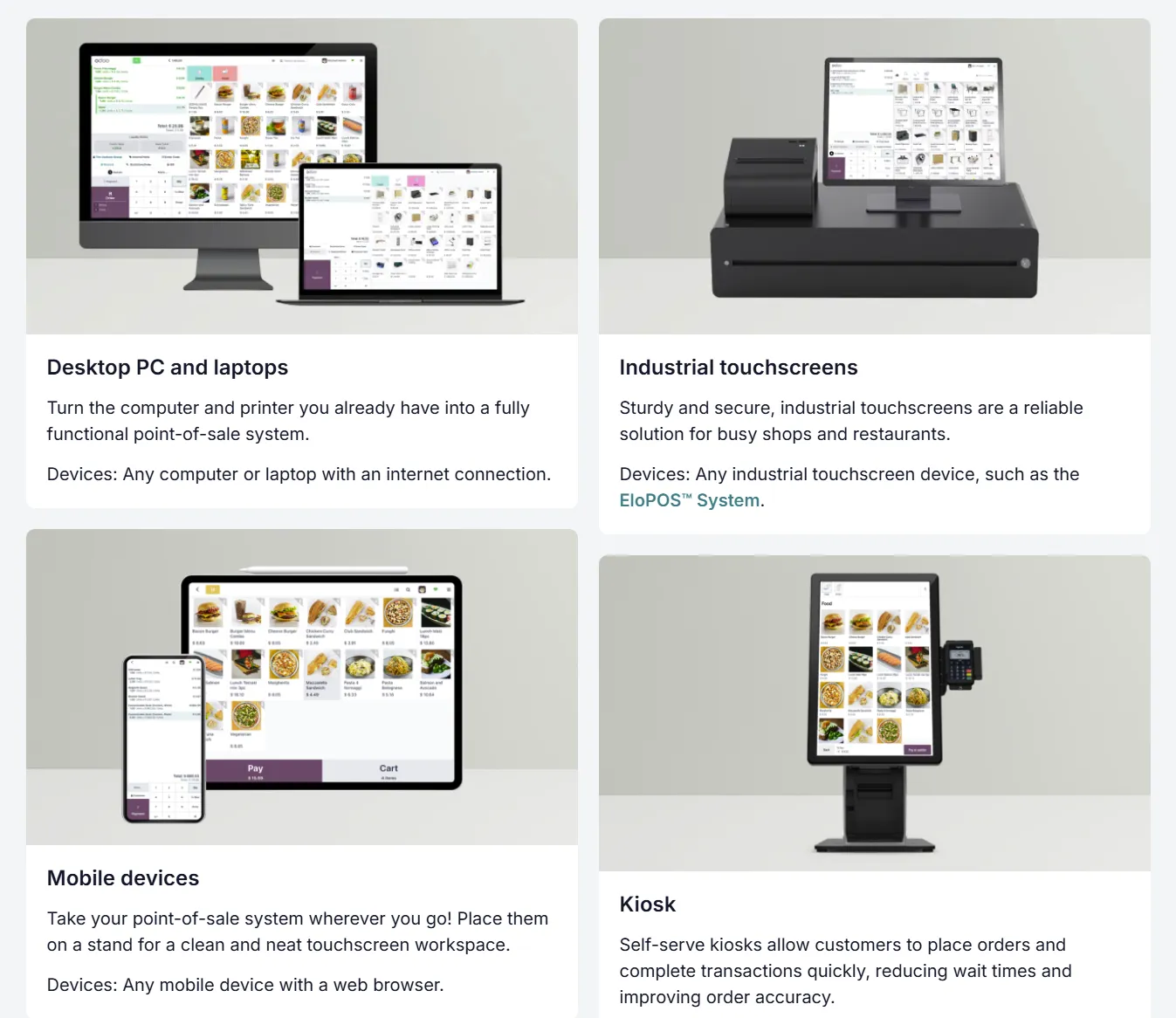
| Devices | Any web browser, Android tablets, iPads, or Odoo IoT devices |
| Payments | Integrated Odoo Payments, Stripe, or external processors |
| Offline Mode | Yes — works offline and syncs automatically |
| Support | Online documentation, community forum, or paid support from Odoo |
What Is Odoo POS?
Odoo POS is part of Odoo’s all-in-one business management suite — an ERP (Enterprise Resource Planning) platform that connects your sales, inventory, accounting, and CRM tools in one system. In simple terms, it’s a POS that’s deeply integrated with the rest of your business software, so everything — from stock to customer data — stays in sync automatically.
It’s popular with retail stores, cafes, and growing businesses that want more control than a basic POS can offer. You can use it for free via the open-source Community version, or upgrade to the paid cloud-hosted plan for extra features and support.
Pros & Cons
- Free core POS module (Community Edition)
- Deep integration with Odoo apps like CRM and Accounting
- Highly customizable — ideal for tech-savvy users
- Offline mode and mobile-friendly interface
- Active open-source community and app marketplace
- Cloud hosting and extra apps add up quickly
- Setup and configuration can be complex
- Requires paid support or developer help for custom features
- Not as intuitive as turnkey POS systems like Square
- Some features locked behind paid Odoo apps
Pricing
Is Odoo POS free? Yes. The POS app itself is free under the open-source Community Edition. But most users opt for the Odoo Online (Enterprise) plan for hosting, automatic updates, and support. Odoo Online is free if Point of Sale is your only app (the One App Free plan, with unlimited users). Add a second app, like Accounting or CRM, and you move to the Standard plan at $38.90/mo per user, which includes all apps.
| Version | Monthly Cost | What You Get | Best For |
|---|---|---|---|
| Community (Self-Hosted) | $0 | Free open-source POS; requires own hosting and maintenance | Tech-savvy small businesses |
| Odoo Online (Enterprise) | $0 for one app, or $38.90/mo per user for all apps | Cloud hosting, automatic updates, official support | Retailers, cafés, and SMBs wanting convenience |
| Odoo.sh (Cloud for Developers) | Custom plan plus Odoo.sh hosting | Full control with hosting + development flexibility | Enterprises or developers |
Now that you’ve seen Odoo’s pricing and plans, you might be wondering how it compares to other affordable or “free” POS systems. Odoo is often mentioned alongside popular options like Square and Loyverse — both known for their ease of use and strong mobile support. Here’s a quick side-by-side look at how these platforms stack up.
Odoo POS vs Other Free POS Systems
| Feature | Odoo POS | Square | Loyverse |
|---|---|---|---|
| Software Cost | Free (self-hosted or one app on Odoo Online) or $38.90/mo per user (all apps) | $0/mo (no software caps) | $0/mo (optional paid add-ons) |
| Offline Mode | Yes | Yes | Yes |
| Hardware | Any device with browser + Odoo IoT Box | iOS/Android + Square hardware | Android/iOS tablets |
| Best For | Integrated retail or ERP users | Small shops & cafés | Micro-businesses and mobile sellers |
| Biggest Catch | Complex setup + paid hosting | Higher processing rates | Limited support on free plan |
Notable Features
- Omnichannel sales: POS connects with eCommerce and CRM
- Inventory integration: Automatic stock updates in real time
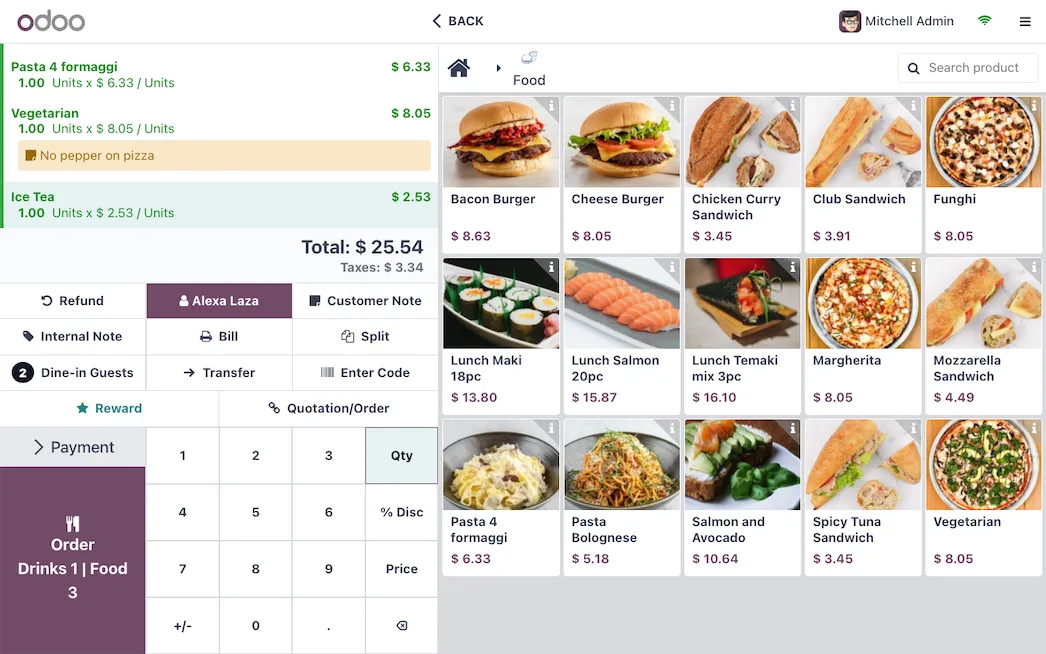
- Restaurant tools: Table layout, modifiers, and split bills
- Multi-store management: Centralized data across locations
- Offline mode: Run transactions even without internet
- Open-source flexibility: Customizable with add-ons and community modules
Real User Feedback
✅ What Users Like
- All-in-one integration: Users love how Odoo connects POS, inventory, and accounting.
- Customization: Developers and IT-savvy business owners praise its flexibility.
- Value for cost: The open-source version offers enterprise-level functionality for free.
⚠ What Users Complain About
- Complex setup: Non-technical users find initial configuration overwhelming.
- Hidden costs: Paid apps and hosting can make it expensive over time.
- Limited out-of-the-box support: Community support isn’t enough for all users.
Takeaway: Odoo POS shines for growing businesses that want total control and integration. For DIY users or companies already using Odoo ERP, it’s a powerful, scalable solution.
Who Should Use Odoo?
✅ Best Fit For
- Retailers: Unified inventory, accounting, and CRM
- Restaurants & Cafés: Table management, floor plans, and tips tracking
- Businesses using Odoo ERP: Seamless integration with other apps
❌ Not Ideal For
- Non-technical users who want quick plug-and-play setup
- Businesses that don’t need the full Odoo suite
- Companies needing advanced offline reporting without add-ons
FAQ
Is Odoo POS really free?
Yes. The open-source Community Edition of Odoo POS is completely free if you host it yourself. Odoo Online is also free for a single app with unlimited users. The paid Standard plan, which adds every Odoo app along with hosting, updates, and support, is $38.90/mo per user.
How much does Odoo software cost?
Pricing depends on how many Odoo apps you use. One app is free on Odoo Online. Using two or more apps (like POS plus Accounting) moves you to the Standard plan at $38.90/mo per user, which covers all apps. Hosting, implementation, and support can increase the total.
Does Odoo offer a free demo?
Yes, Odoo provides a free live demo environment and guided trial through its website. You can also test the open-source version locally at no cost.
Can I use Odoo POS for restaurants?
Yes, Odoo POS supports restaurant operations with table layouts, floor plans, and ticket splitting. You can also sync with Odoo Inventory and Accounting for full restaurant management.
Is Odoo POS cloud-based?
Both — you can choose cloud (Odoo Online) for simplicity or self-hosted for full control. Odoo.sh is a hybrid option that blends both approaches.
Does Odoo POS work offline?
Yes, Odoo POS works offline by saving transactions locally and syncing when your internet connection is restored.
Is Odoo good for small businesses?
Yes, Odoo is ideal for small to mid-sized businesses that need integrated software beyond POS, like accounting and inventory. The learning curve is steeper, but the flexibility is unmatched for the price.
Final Verdict
If you’re looking for an all-in-one business platform that includes POS, inventory, accounting, and CRM under one roof, Odoo POS delivers. The free open-source version is powerful for tech-savvy users, while the paid version offers a polished experience with hosting and support. The main trade-off is complexity — setup and customization take time, especially if you’re not already using Odoo.
Expert Rating: ⭐ 8.2/10 — A robust, open-source POS that scales with your business. Excellent for Odoo users and developers, but less beginner-friendly than plug-and-play systems like Square.

POS systems expert and founder of POSUSA.com, a trusted industry resource since 2011. With over a decade of hands-on experience testing and reviewing point-of-sale systems, he helps business owners choose solutions that actually fit their needs.
Specification: Odoo POS
|
Photos: Odoo POS
User Reviews
Be the first to review “Odoo POS”













There are no reviews yet.