

KORONA POS
$59.00
 Jason Feemster
KORONA POS Review: Pricing, Features & What Real Users Say
Updated January 2026 • Verified Q1 2026
Table of Contents
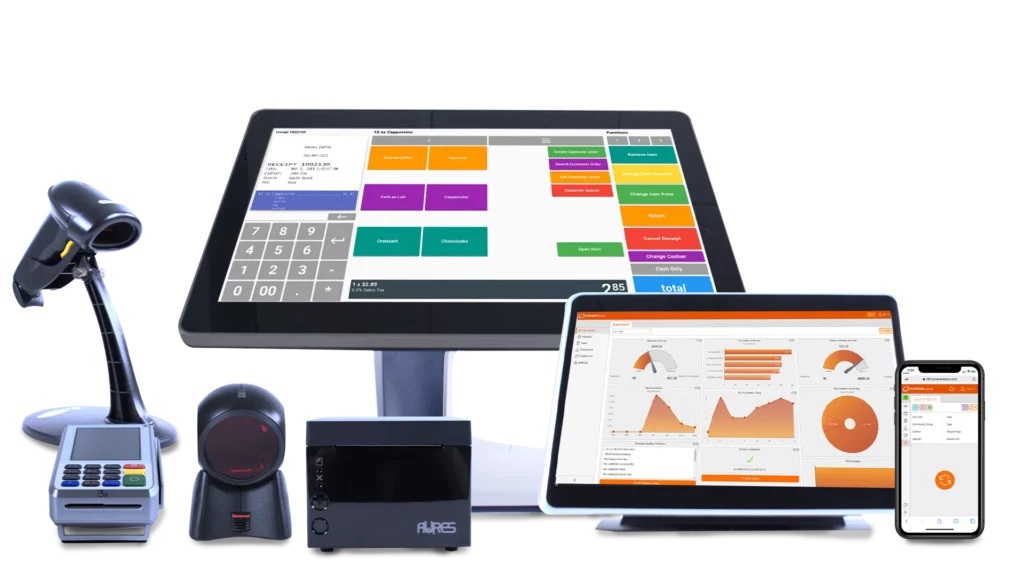
Tired of being locked into a payment processor that eats your margins? KORONA POS lets you shop around for the best rates — something Square and Clover won’t let you do.
This cloud-based system is built for retail stores, liquor shops, convenience stores, wineries, QSRs, and ticketing businesses. No contracts, no processor lock-in, cancel anytime. It’s developed by COMBASE USA (a branch of German company COMBASE AG) and has quietly built a loyal following among specialty retailers who want more control over their costs.
We reviewed the product and dug through hundreds of user reviews on Capterra, G2, and Software Advice to see if KORONA lives up to the hype. Here’s what we found.
Pros & Cons
- No contracts — cancel anytime
- Payment processor agnostic
- Excellent 24/7 US-based support
- Strong inventory management
- Unlimited free trial
- 60-day money-back guarantee
- Multi-location and franchise support
- Learning curve (German terminology)
- Limited third-party integrations
- QuickBooks integration issues
- UI looks dated vs. Square
- No on-site installation
- Per-terminal pricing adds up
- Not for full-service restaurants
KORONA POS Pricing
KORONA offers two main plans, both charged per terminal. No hidden fees, no contracts.
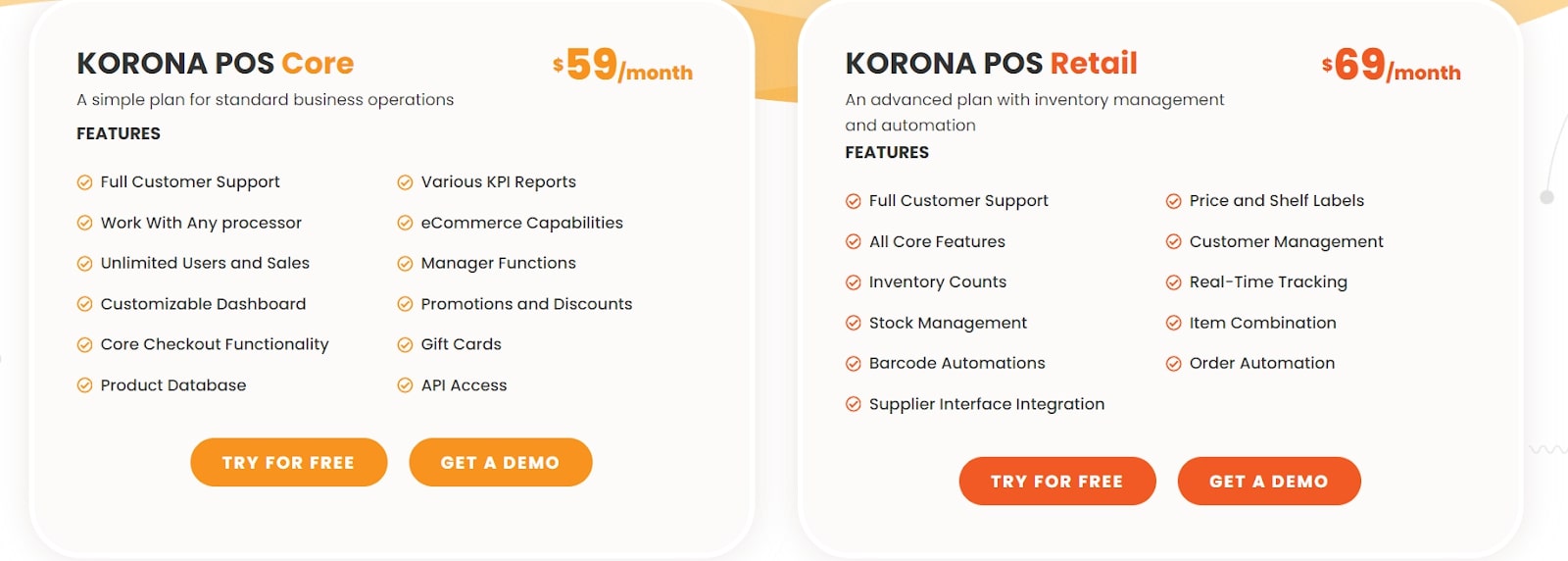
Software Plans
| Plan | Monthly Cost | What’s Included |
|---|---|---|
| KORONA Core | $59/mo per terminal | 24/7 support, unlimited users, customizable dashboard, product database, KPI reports, eCommerce, promotions, gift cards, API access |
| KORONA Retail | $69/mo per terminal | Everything in Core + inventory counts, stock management, barcode automation, supplier integration, price/shelf labels, customer management, real-time tracking, order automation |
Optional Add-On Modules
| Module | Cost | Best For |
|---|---|---|
| KORONA Food | +$10/mo per terminal | Wineries, cafes, bakeries, QSRs needing table service |
| KORONA Plus | +$20/mo per terminal | Advanced reporting, ABC analysis, order optimization |
| KORONA Invoicing | +$10/mo per terminal | Businesses sending invoices to customers/suppliers |
| KORONA Ticketing | +$50/mo per gate | Amusement parks, museums, water parks |
| KORONA Franchise | +$30/mo per franchise | Multi-location franchise operations |
| KORONA Integration | +$45/mo per token | Custom API integrations |
Hardware Costs
KORONA doesn’t lock you into proprietary hardware. You can use existing equipment or buy through them:
- Tablets: Under $100
- Desktop POS terminals: $500–$2,000
- Receipt printers, scanners, cash drawers: Varies by model
The software runs on Windows, Linux, and MacOS. KORONA ships pre-loaded hardware and provides free remote setup.
What’s NOT Included
- Credit card processing fees: You choose your own processor, so rates vary
- On-site installation: Remote setup only (no in-person support)
KORONA POS Features
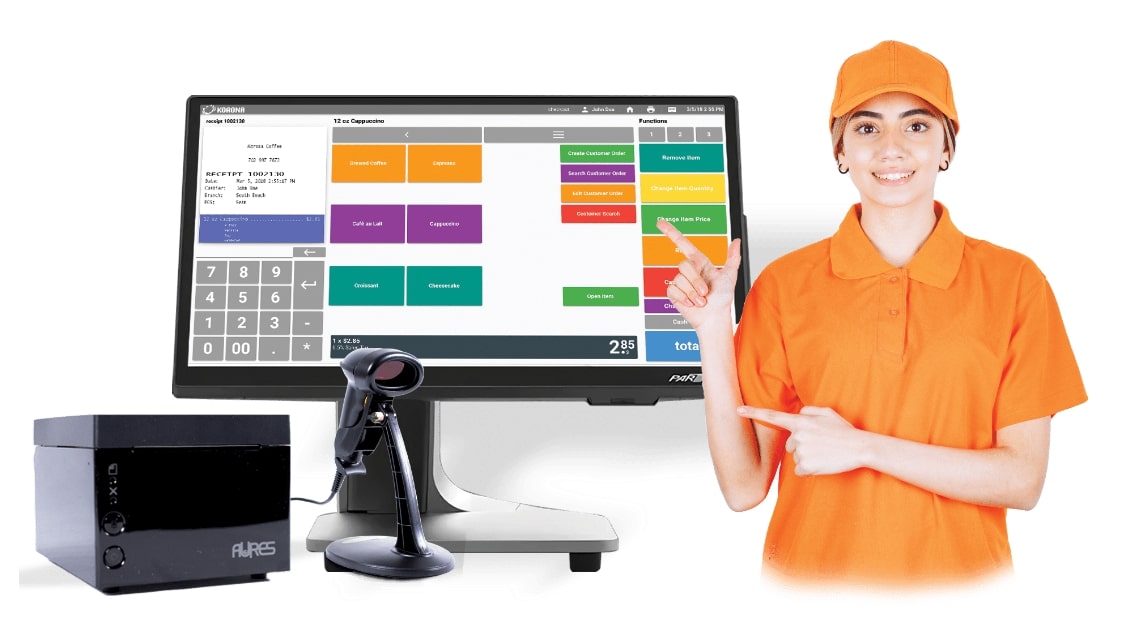
Inventory Management
This is where KORONA excels. The Retail plan ($69/mo) includes automatic reorder points, vendor management, barcode automation, ABC inventory grading, and real-time stock tracking across multiple locations. Users consistently call this one of the strongest retail inventory systems in its price range.
Customizable Checkout
You can rearrange buttons, fonts, images, and screen layouts to match your workflow. Helpful for niche businesses like liquor stores (age verification), vape shops (compliance), and wineries (tasting notes).
Reporting & Analytics
KORONA generates detailed reports on conversion rates, KPIs, foot traffic, product performance, and tax breakdowns. Multi-location businesses can compare store performance in real time.
Payment Processing Freedom
Unlike Clover (locked to Fiserv) or Toast (locked to their processor), KORONA integrates with almost any payment processor via PAX or Dejavoo terminals. This lets you negotiate better rates or switch providers without changing your POS.
Ticketing & Admissions
The $50/month Ticketing add-on supports amusement parks, museums, water parks, and event venues with ticket printing, entry gate integration, membership management, and time-sensitive pricing.
What Real Users Say
KORONA POS has strong ratings: 4.7/5 on Capterra (60+ reviews), 4.8/5 on G2, and 4.7/5 on Software Advice. Here’s what actual users report:
What users like:
— Jason M., Museum Operations Manager (Capterra, December 2024)
— Verified User, Retail (Capterra)
— Sean T., Retail Owner (Capterra, October 2024)
Common complaints:
— Jason M., Museum Operations Manager (Capterra)
— Oniqueh G., Wine Club Manager (Capterra)
— Verified User (GetApp)
KORONA POS vs. Alternatives
| Feature | KORONA POS | Square POS | Lightspeed Retail |
|---|---|---|---|
| Starting Price | $59/mo per terminal | Free (paid plans from $60/mo) | $89/mo |
| Contract Required | No | No | Annual |
| Payment Processor | Your choice | Square only | Lightspeed or own |
| Processing Rates | Varies by processor | 2.6% + 10¢ | 2.6% + 10¢ |
| Free Trial | Unlimited | Yes (free plan) | 14 days |
| 24/7 Support | Yes (included) | Paid plans only | Yes |
| Inventory Management | Advanced | Basic (advanced costs more) | Advanced |
| Best For | Specialty retail, liquor, ticketing | Small/simple retail | Multi-location retail |
Choose KORONA if: You want to pick your own payment processor and avoid contracts.
Choose Square if: You want free software and the simplest setup.
Choose Lightspeed if: You need advanced multi-location and eCommerce features.
Who KORONA POS Is For
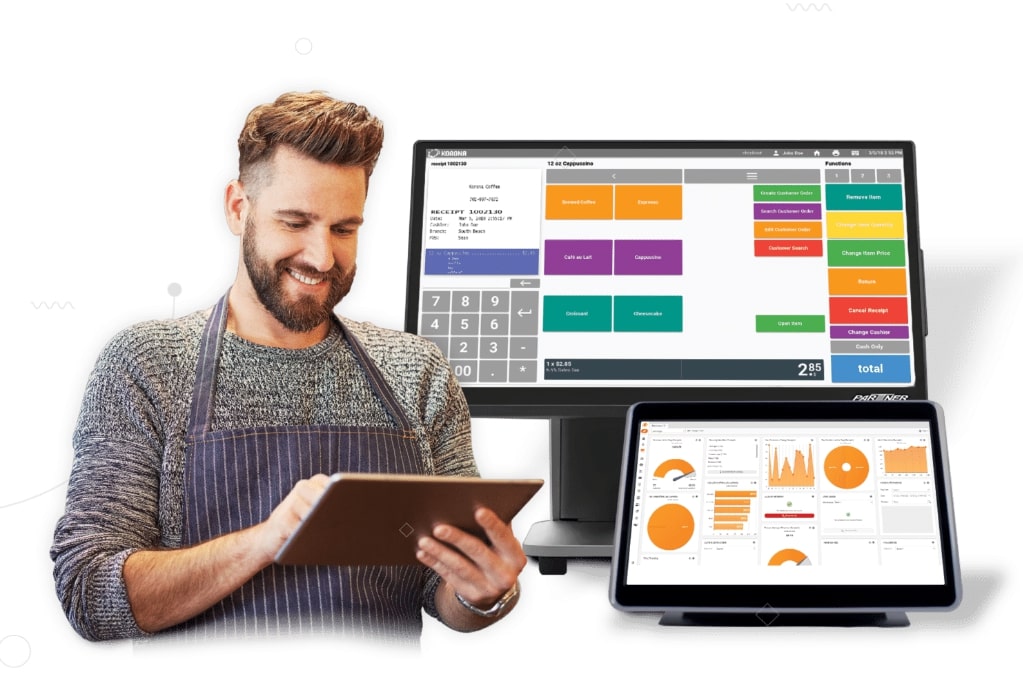
✅ Good Fit
- Retail stores (especially specialty retail)
- Convenience stores
- Liquor stores and vape shops (age verification built-in)
- Wineries and tasting rooms
- Coffee shops, bakeries, cafes
- Museums and amusement parks
- Thrift stores and consignment shops
- Multi-location and franchise operations
❌ Not Ideal For
- Full-service restaurants (lacks table management depth)
- Businesses needing extensive third-party integrations
- Service businesses (no appointment scheduling)
- Anyone wanting a mobile checkout app
Integrations
KORONA integrates with:
- eCommerce: WooCommerce
- Accounting: QuickBooks (some users report issues), Bookkep
- Loyalty: bLoyal, Bottlecapps, Card Market
- Labor: TimeForge
- Payments: Paybotic and most processors via PAX/Dejavoo
- Custom: Open API available ($45/mo Integration module)
Note: Integration options are more limited than Square or Shopify. Confirm compatibility before signing up.
Frequently Asked Questions
How much does KORONA POS cost?
KORONA Core starts at $59/month per terminal. KORONA Retail (with advanced inventory) is $69/month per terminal. Optional add-ons range from $10–$50/month. Hardware is separate and starts under $100 for tablets up to $2,000 for full desktop terminals.
Is there a contract?
No. KORONA is month-to-month with no long-term commitment. You can cancel anytime without fees.
Is there a free trial?
Yes. KORONA offers an unlimited free trial with no credit card required. There’s also a 60-day money-back guarantee on software and 30 days on hardware.
Can I use my own payment processor?
Yes. KORONA is processor agnostic and works with most payment providers through PAX or Dejavoo terminals. This lets you shop for the best rates.
Does KORONA work on iPad?
KORONA runs on Windows, Linux, MacOS, and Android tablets. iOS support is limited to the KORONA Menu waiter app — the full POS does not run on iPad.
Is KORONA good for restaurants?
KORONA works for quick-service restaurants, cafes, and bakeries with the Food add-on ($10/mo). It’s not recommended for full-service restaurants — consider Toast or TouchBistro instead.
How is customer support?
KORONA offers 24/7 phone, email, and chat support with US-based staff included in all plans. Users consistently rate support as excellent — it’s one of the most praised aspects of the system.
Our Verdict
KORONA POS is a solid choice for retail stores, liquor shops, convenience stores, wineries, and ticketing businesses that want strong inventory management without being locked into a payment processor or long-term contract.
The biggest advantages are payment processor flexibility, no contracts, and excellent US-based customer support. The inventory tools are among the best in its price range.
The downsides are a learning curve (especially the German-influenced terminology), limited integrations, and per-terminal pricing that adds up for stores with multiple registers. The UI also feels dated compared to Square.
If you’re a specialty retailer frustrated with processor lock-in or want to shop around for better credit card rates, KORONA is worth trying — especially with the unlimited free trial.

Jason Feemster
POS systems expert and founder of POSUSA.com, a trusted industry resource since 2011. With over a decade of hands-on experience testing and reviewing point-of-sale systems, he helps business owners choose solutions that actually fit their needs.
Specification: KORONA POS
|
1 review for KORONA POS
Add a review













KORONA POS has completely changed our business for the better. We’ve simplified our inventory and ordering, made the checkout process simpler, planned promotions better, and saved us so much time.