
POS System Blog: Insights, Reviews & Tips
Welcome to the POS USA Blog — your resource for expert reviews, comparison guides, news, and actionable tips on POS systems for restaurants, retailers, and small businesses. Whether you’re upgrading your setup or buying your first system, we help you make smarter decisions faster.
Latest Articles
-

8 Best Restaurant Food Delivery Services for 2026
Read more: 8 Best Restaurant Food Delivery Services for 2026If you’re a restaurant owner running a modern restaurant, your takeout customers can be just as profitable as your dine-in clients. If you’ve struggled to expand the to-go side of…
-

5 Ways How to Increase Restaurant Profits and Sales
Read more: 5 Ways How to Increase Restaurant Profits and SalesIf you’re a restaurant manager or owner that’s looking to scale your business, it’s essential to develop a strategy for improving your operations. While increasing sales can help you boost…
-
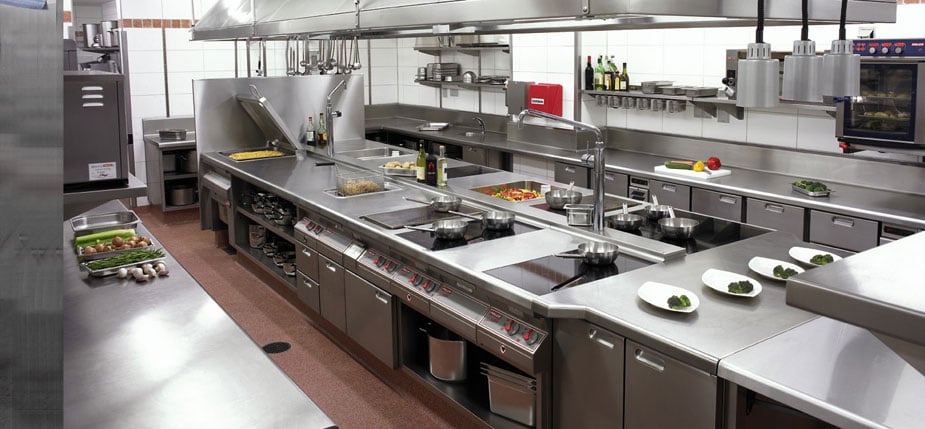
Best Place to Buy Restaurant Equipment: 11 Top Online Stores
Read more: Best Place to Buy Restaurant Equipment: 11 Top Online StoresIf you’re searching for commercial-grade restaurant equipment, you might be using a local supplier. Many restaurant owners don’t realize there are large online stores for restaurant supplies and equipment. These…
-
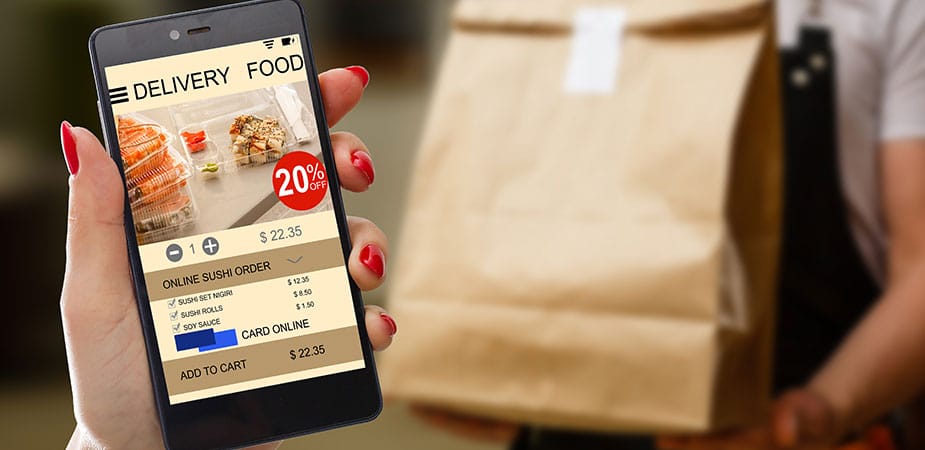
6 Ways How Technology Can Enhance Customer Experience in Your Restaurant
Read more: 6 Ways How Technology Can Enhance Customer Experience in Your RestaurantGreat food, a pleasant atmosphere, and high-grade service are essential things for a positive experience to get at the restaurants. Yet, you’d stay current to stay competitive. According to the…
-

The Handheld POS System: A Manager’s Dream
Read more: The Handheld POS System: A Manager’s DreamWith the inception of new and innovative Point of Sale (POS) systems in the early 2000s, sales practices have changed in numerous business around the world. Retailers, restaurants, small businesses,…
-

5 Tips to Reduce Food Cost in Restaurant Management
Read more: 5 Tips to Reduce Food Cost in Restaurant ManagementAsk any restaurant owner what keeps them up at night, and chances are food costs are near the top of the list. Margins are thin, and one bad month with…
-

AI in Retail – The Advantages of Machine Learning in Point of Sale
Read more: AI in Retail – The Advantages of Machine Learning in Point of SaleThe era of machine learning and AI has arrived in retail. Artificial intelligence handles automated data analysis like a pro, making it easier to tackle the fierce race for tech-savvy…
-

How to Integrate a POS Reader Into Your eCommerce Store
Read more: How to Integrate a POS Reader Into Your eCommerce StoreeCommerce store? Check. Starting an online shop can feel like diving into a whirlpool, but it turns out to be more like riding a wave once the right tools and…
-

How POS Systems Help Deliver a Better Guest Experience
Read more: How POS Systems Help Deliver a Better Guest ExperienceLearn practical strategies for restaurant servers to build trust with guests, enhance their experience, and foster lasting connections.
-

How POS Systems Help Restaurant Servers Work Smarter and Faster
Read more: How POS Systems Help Restaurant Servers Work Smarter and FasterLearn practical strategies to manage your workflow efficiently as a restaurant server. Streamline tasks, prioritize, and optimize your time for better performance and guest satisfaction. Boost your earning potential.


